
Figma plugin · Free & open source
Open HTML
to Figma
Paste the HTML your AI made and get editable Figma layers that match what the browser renders.
Watch the 20-second demoGo on, click around and boop the mouse. Only the import is pretend.
Use cases
Made for what your AI makes.
Get the first draft from your AI, then finish it in Figma, where small changes take seconds.
“Make me a 10-slide seed deck for my coffee startup.”
Pitch decks
Fix a headline or swap a chart without rebuilding the other nine slides.
“Create an invoice for three days of design work.”
Invoices & quotes
Change the client, the dates and the total, and the layout stays put.
“Draft a one-pager for our spring launch.”
One-pagers
Hand it to your designer as real layers instead of a screenshot.
“Wireframe a dashboard for a habit tracker.”
Wireframes & mockups
Import it at desktop or mobile width and keep designing from there.
AskAsk Claude, ChatGPT or any AI. The plugin's Copy AI prompt button adds the right wording.
PasteCopy the code, or save the file, and drop it into the plugin.
TweakEdit the text, swap images, and recolor it by editing one color style.
Demo
From file to Figma in twenty seconds.
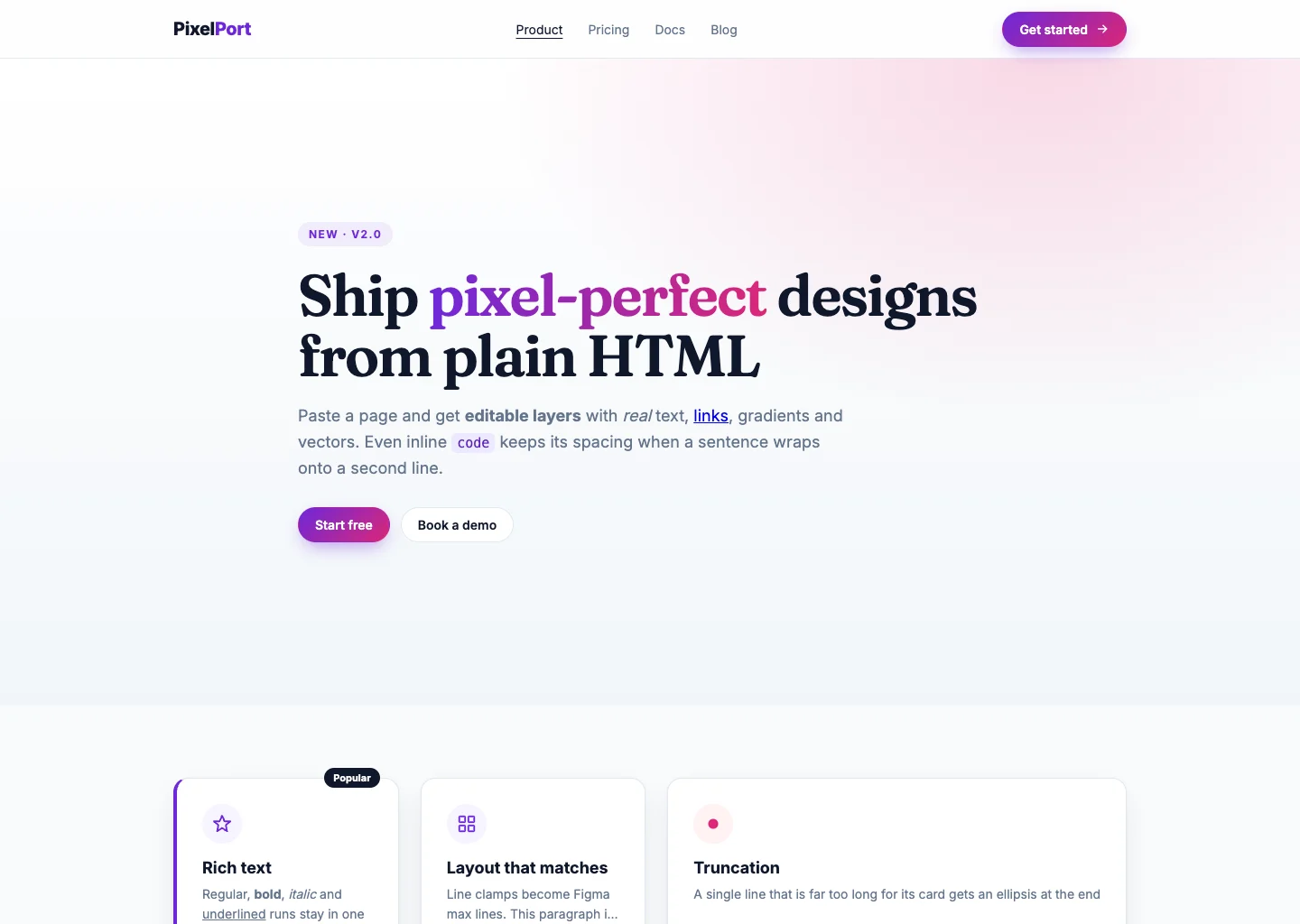
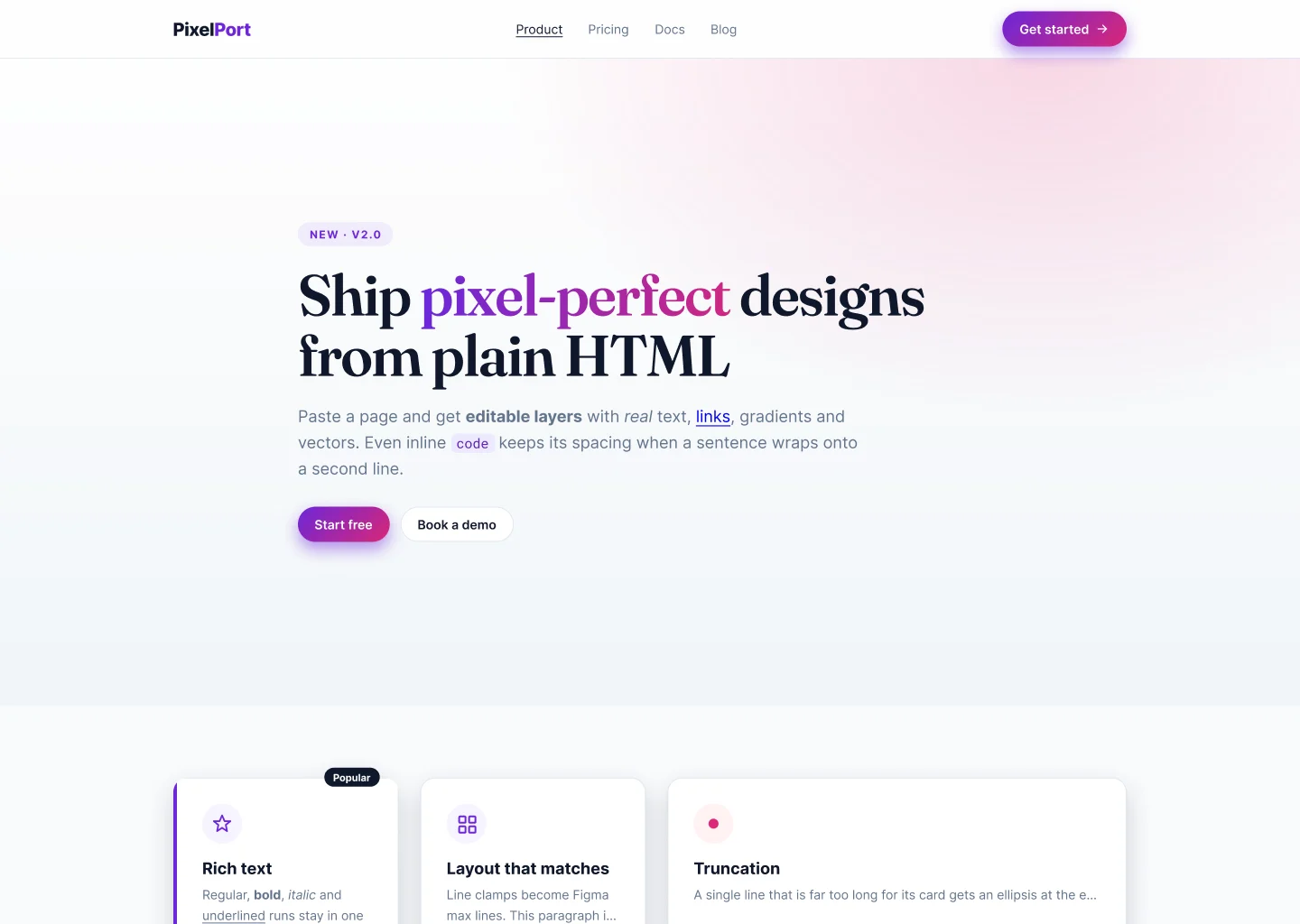
What you see is what you import
Same page, now editable in Figma.
No screenshot tracing. The browser does the layout, and the plugin rebuilds it layer by layer.
Fair question
Isn't this just Figma's Chrome extension?
Close cousins. Both let a browser lay out the page and rebuild it as layers, but they start in different places.
| Open HTML to Figma | Figma's Chrome extension | |
|---|---|---|
| Starts from | HTML code or a file, pasted right into Figma | A page open in Chrome |
| Made for | What your AI hands you: decks, invoices, one-pagers, mockups | Live websites, including pages you're signed in to |
| Size | Screens, 1920 × 1080 slides, A4, Letter or any size you type | Your Chrome window's width |
| Colors | Page colors become linked color styles | Links your library's variables, if you have one |
| Layout | Layers sit where the browser put them | Adds some auto layout |
| Price | Free and open source, no account | Capture needs a paid Figma plan |
Capturing a live site, or want auto layout and your design system's variables? Use Figma's. Got HTML from an AI and just want to tweak it? That's what this is for.
Figma details from its help center, September 2026.How it works
Pick, drop, import.
The mascot reacts to every step, so you always know where it's at.
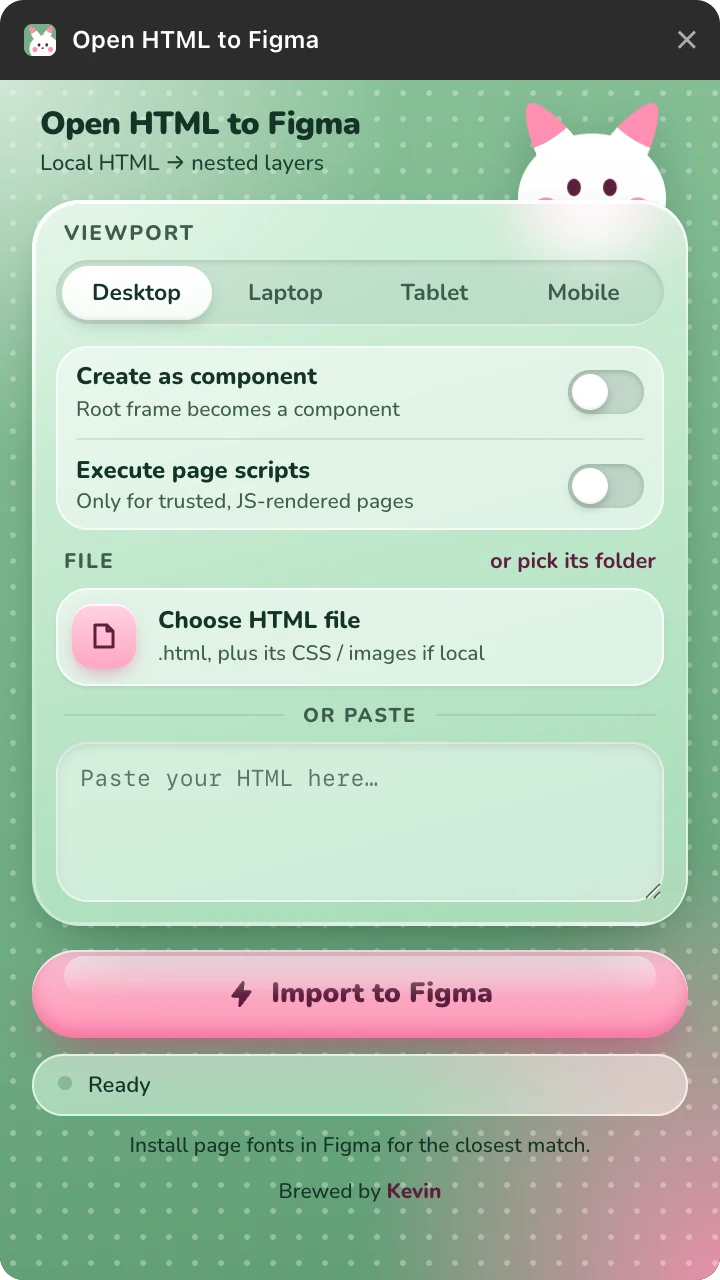
Ready
Pick a viewport, then choose an .html file (with its CSS and images) or paste HTML.
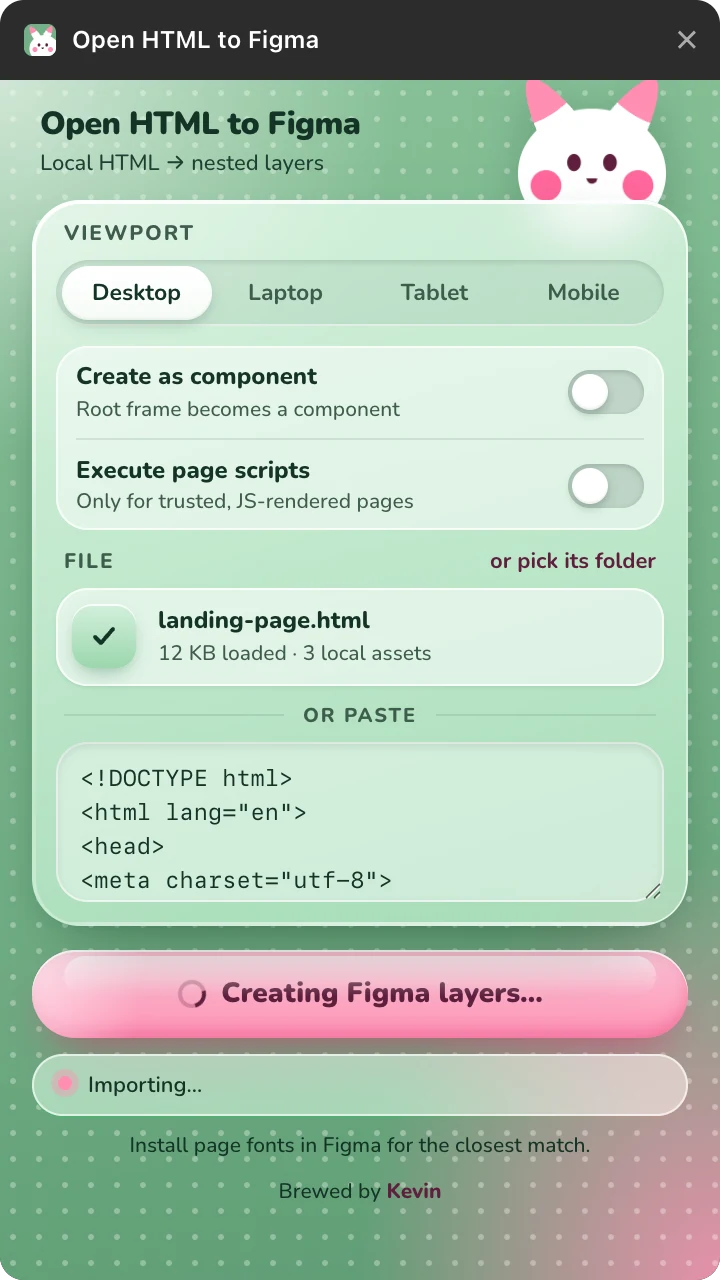
Charging
Hit Import. It renders your page in an isolated window and measures every box.
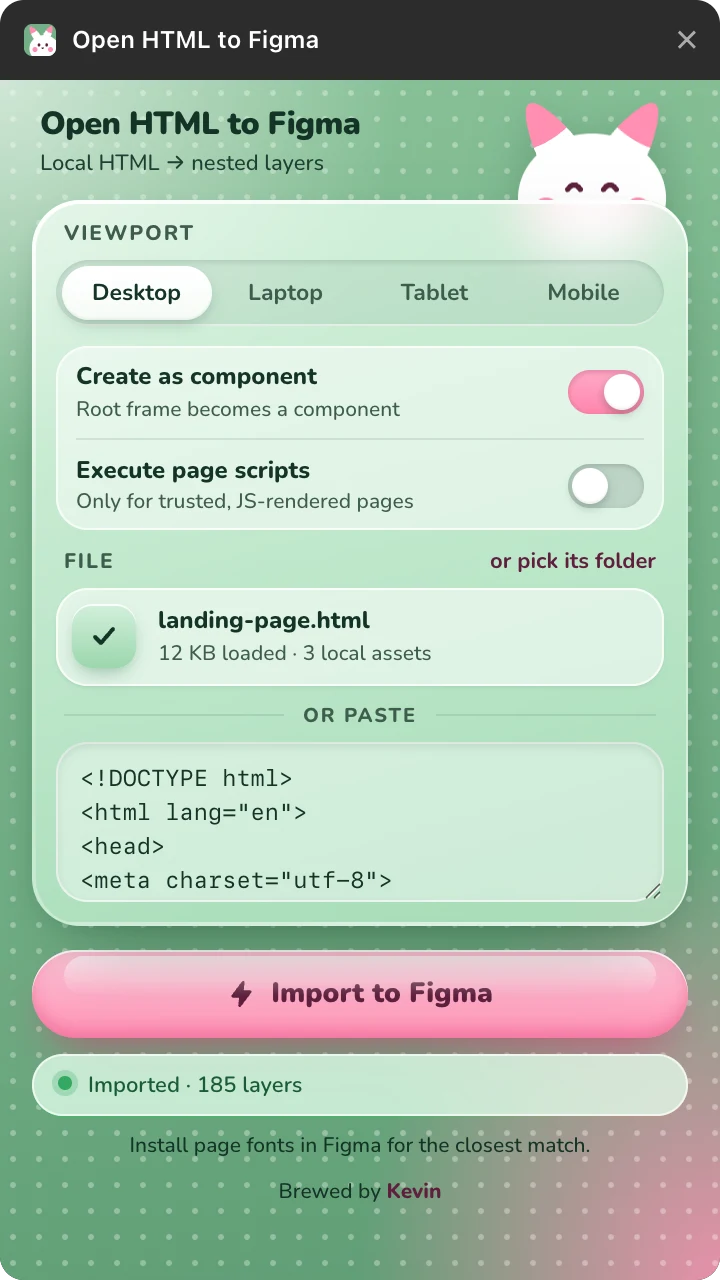
Done
The page lands as Frames, text and vectors, selected and zoomed to fit.
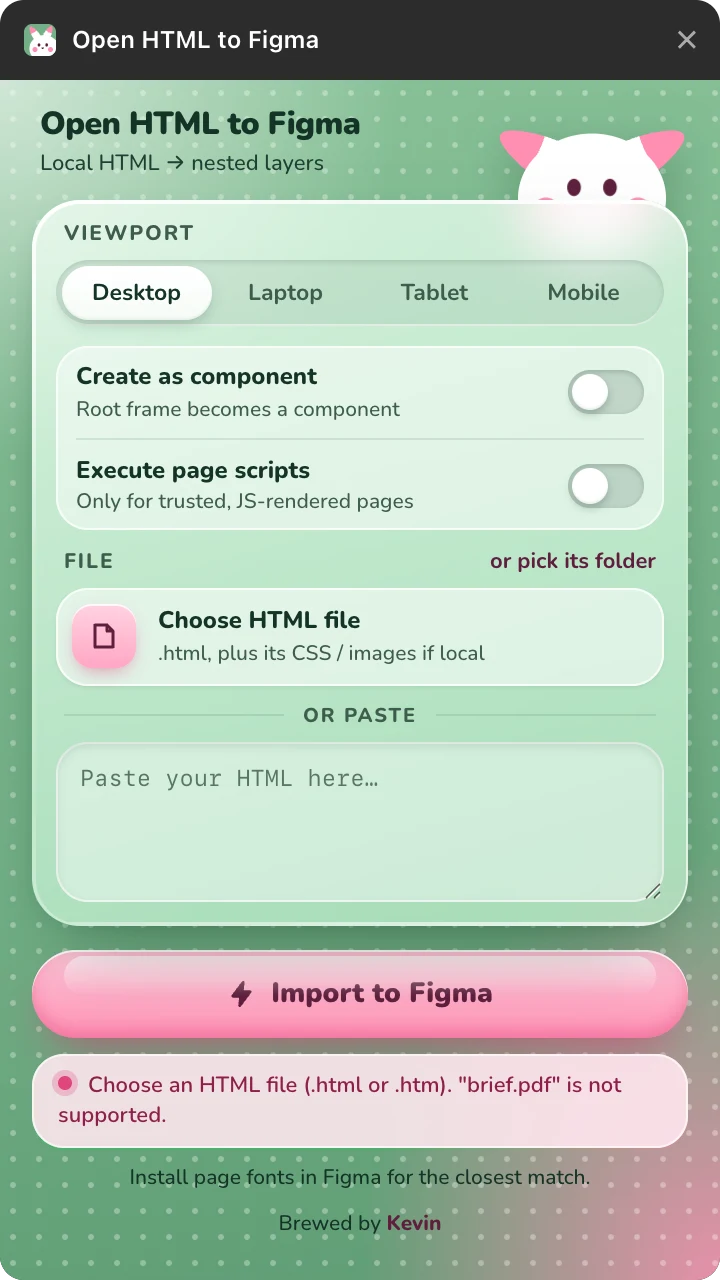
Oops
Wrong file or a stuck import? The ears droop and it tells you what to do.
What you get
Real layers, not a screenshot.
Editable text
Paragraphs with bold, italic, links and inline code become one rich-text layer each, with the browser's line breaks.
Browser-matched layout
Flex, grid and absolute layouts land as nested Frames at the measured positions.
Linked color styles
The page's most-used colors become local styles, linked to every layer that uses them. Edit one to recolor the lot.
Gradients & effects
Linear, radial and text gradients, per-side borders, per-corner radii, shadows and blurs, as native fills, strokes and effects.
SVG to vectors
Inline SVG, sprites and SVG images import as editable vector layers.
Images & canvas
Images, CSS backgrounds and canvas charts become fills, cropped like object-fit.
The fiddly bits
::before and ::after, list markers, form controls and rotations, with fade-in animations finished first.
Frame or Component
Import as a Frame, or tick one box and get a Component instead.
Runs entirely inside Figma. No backend, no account, no analytics, nothing stored. The only network requests are the ones your page makes to load its own stylesheets, scripts, fonts and images.
Free forever. Open source.
Install it from the Figma Community, or build it from source.
git clone https://github.com/kevicebryan/open-htmltofigma.git
cd open-htmltofigma
npm install && npm run build© 2026 Kevin Bryan.
KEVIN
BRYAN